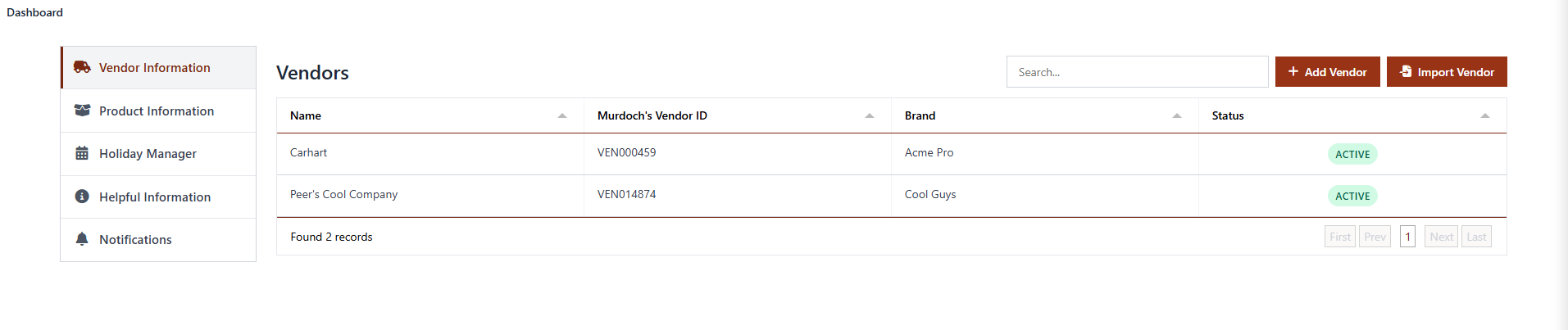
What this page does
The list is used to:- Find and open a specific vendor’s Vendor Details Overview.
- Create a new vendor stub to begin Onboarding a New Vendor.
- Import an existing vendor from Dynamics 365 F&O when SRM does not yet have the record.
Columns
Actions
Common issues
- A vendor is missing from the list. They may be filtered out by the current search — clear the search box. If still missing, confirm they have been onboarded or imported.
- Two rows for the same vendor. One is likely a stub created in SRM before the Dynamics record existed. Contact an admin to merge or archive the duplicate.